Carb counting,
minus the decision fatigue
Your own hand lightens the load
The app does the math. You decide how much to eat.
We focused on
the one thing you can change
Sleep, stress, how you feel, today’s schedule. A lot surrounds every meal, and most of it is out of your hands. What you can decide is what you eat, and how much. Make that one thing easy, and each meal takes less thought.
One shutter for
meals and packaged food
No need to choose what you’re shooting. Carbs are worked out for you.
 GimbapRecently eaten
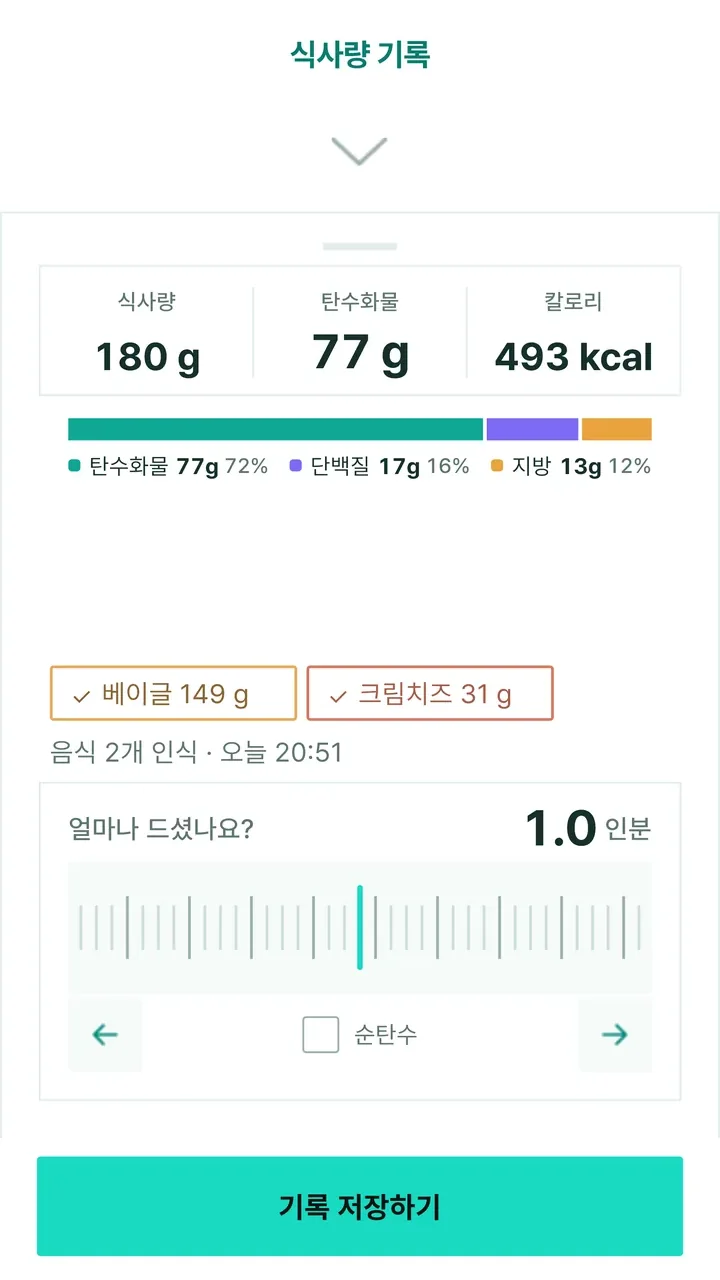
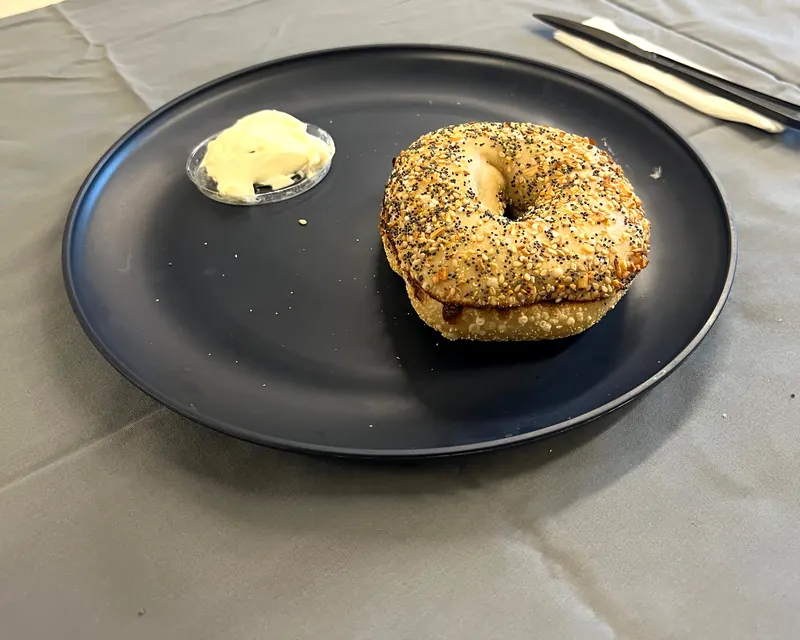
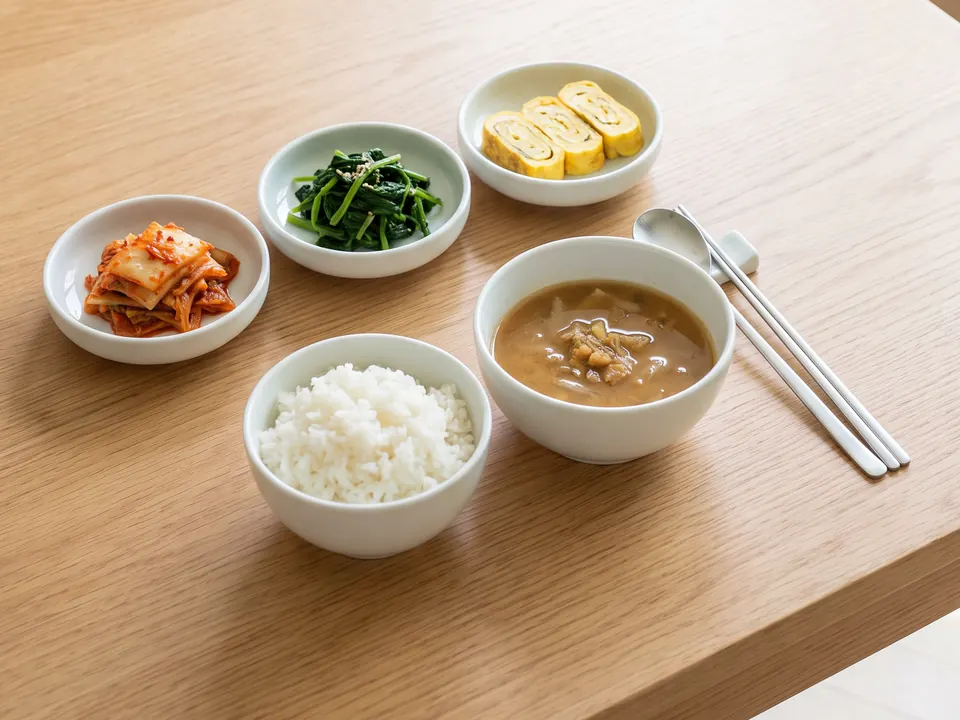
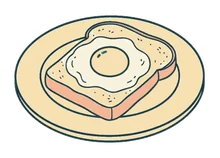
One plate or a table full of side dishes, just shoot it as it is. Before saving, fix only what’s wrong.
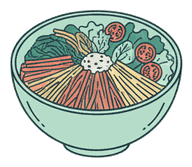
Shoot your food as it is.
Find packaged food by its barcode or nutrition label.
- “I had half a plate of soondae and a roll of gimbap”
No photo? Say it, or look it up by name.
Your hand
is the ruler
Set your hand size once at the start, and it becomes your ruler.
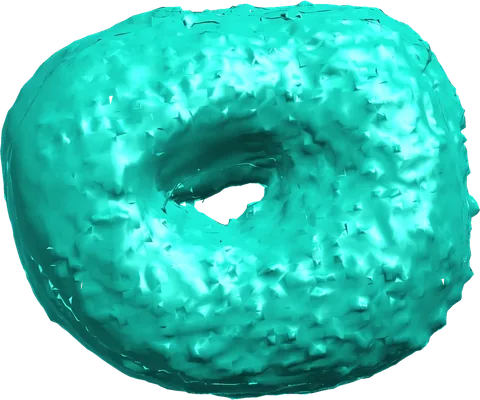
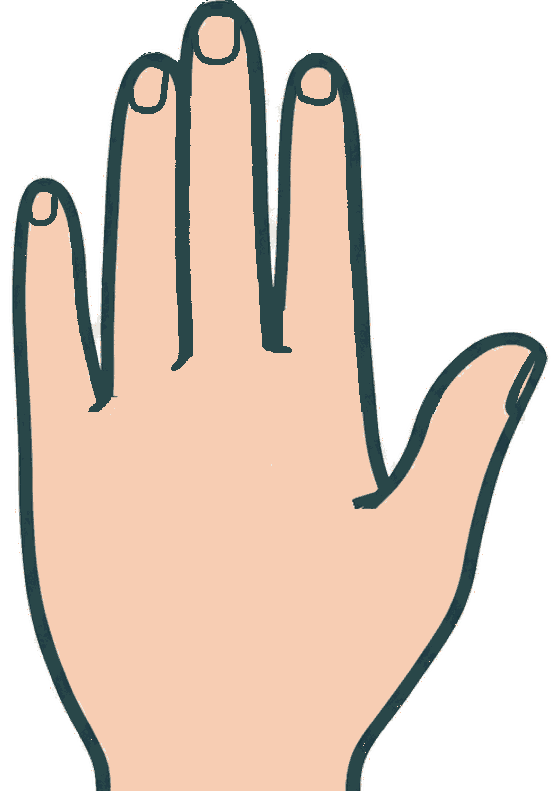
Slide the scale to match the size, and the weight and carbs are worked out.
Shoot only the food.
The food in the photo becomes a 3D shape.
Slide the cm scale to match the size, using your hand as the guide.
Less judging yourself
A pond,
not numbers
Pick a goal and the pond’s range changes with it
- Balanced eating
- Fewer carbs
- Low-carb, high-fat
- Keto
- Fewer calories
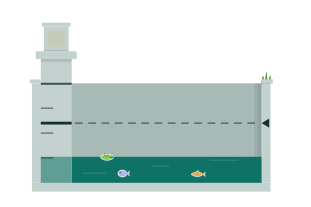
Tap the pond to switch between flat and 3D.
Log a meal and the water rises a little
You can see where your day stands without reading a number. Everything you eat in a day fills one pond.
The bank is the top of your goal
The water rises with each meal. Below the bank means within your goal, and on days you get all your fiber, a lotus blooms.
On big days, it spills over the bank
No red text, no penalty. The extra simply shows outside the bank, and the next day starts with a fresh pond.
As logged days add up, the lotus grows
The lotus by the bank goes from soil to sprout, leaf, bud and bloom. An overflow day doesn’t undo its growth.
Take a break, pick up where you left off
Come back after a few days off and a dragonfly visits the pond. Missed days aren’t held against you.
Log breakfast and the water rises a little.
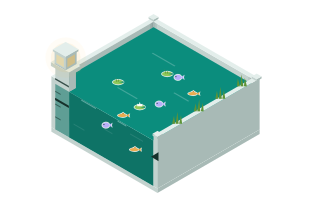
By dinner it’s near the bank, and you can view it in 3D too.
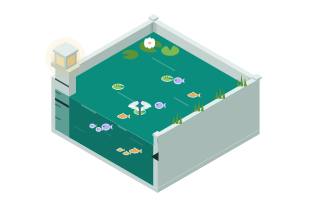
Logged days grow the lotus, and coming back after a break brings a dragonfly.
Pond guide
Seven things live in the pondTap or swipe a card and only that one stands out in the pond.
FAQ
What if it gets the food in my photo wrong?
Before saving, a “Are these the right foods?” screen comes up first. Tap only the wrong ones to rename them. If a food isn’t on the list, look it up or just type its name.
After saving, you can still add missing foods in the meal details, and tap any weight or nutrition value to change it.
Where do the values come from?
Each log lists them under “Sources” in the meal details.
- Food photo · nameValues from the Korea MFDS integrated food nutrition database. Foods not found there are marked as AI estimates.
- BarcodeManufacturer labels from Korea MFDS HACCP product data and Open Food Facts.
- Nutrition labelRead from the table printed on the package.
- Food weightLooked up in a table built from USDA FoodData Central and FAO/INFOODS density data.
Do I need my hand in the photo?
No, just the food. You set your hand size once when you start, either from the body details you enter or by taking a photo of a card next to your left hand.
Can I log without a photo?
Yes. Under My log, tap “Voice” and say what you ate, or use “Search by name”. For packaged food, scan the barcode first, and if the product doesn’t come up, shoot the nutrition label on the back.
Who is the pond’s range based on?
It’s based on the Dietary Reference Intakes for Koreans, set to the sex and age you enter at the start. You can change your goal on the pond screen at any time.
If you have a medical condition or follow a diet plan from a professional, please follow that guidance.
Does it cost anything?
Right now, every feature is free to use.
How do I delete my logs?
In My log, select one or more meals and delete them. To delete your account and all your data, see the account deletion guide (Korean).
Is it a medical device?
No. GlucoUs is a wellness app for logging meals and nutrition, not a medical device. Please talk to your healthcare provider about health decisions.
Every feature free.
Start today.
Want news of new features by email? Get updates